ARYVE Travel App Case Study
Your Perfect Itinerary Awaits.
A UX/UI Case Study.
Project Overview
Problem: Travelers have trouble figuring out what activities to do at their destination. As a result, travelers spend more than they anticipate by booking excursions when they arrive at their location.
Solution: Using our algorithm, the app will create an itinerary for the user - based on their preferences and interests.
My Role: UI/UX designer (Individual Project)
Tools: Adobe XD, Invision, Miro, Photoshop, Rotato
Duration: 3 weeks
Description: Using A.I. and the user's preferences, ARYVE intelligently builds and curates an itinerary just for you, so you can quickly add, edit, and share where you want to go with your friends.
User Research
Goal: To ask basic and specific travel questions regarding how one travels to identify their planning process.
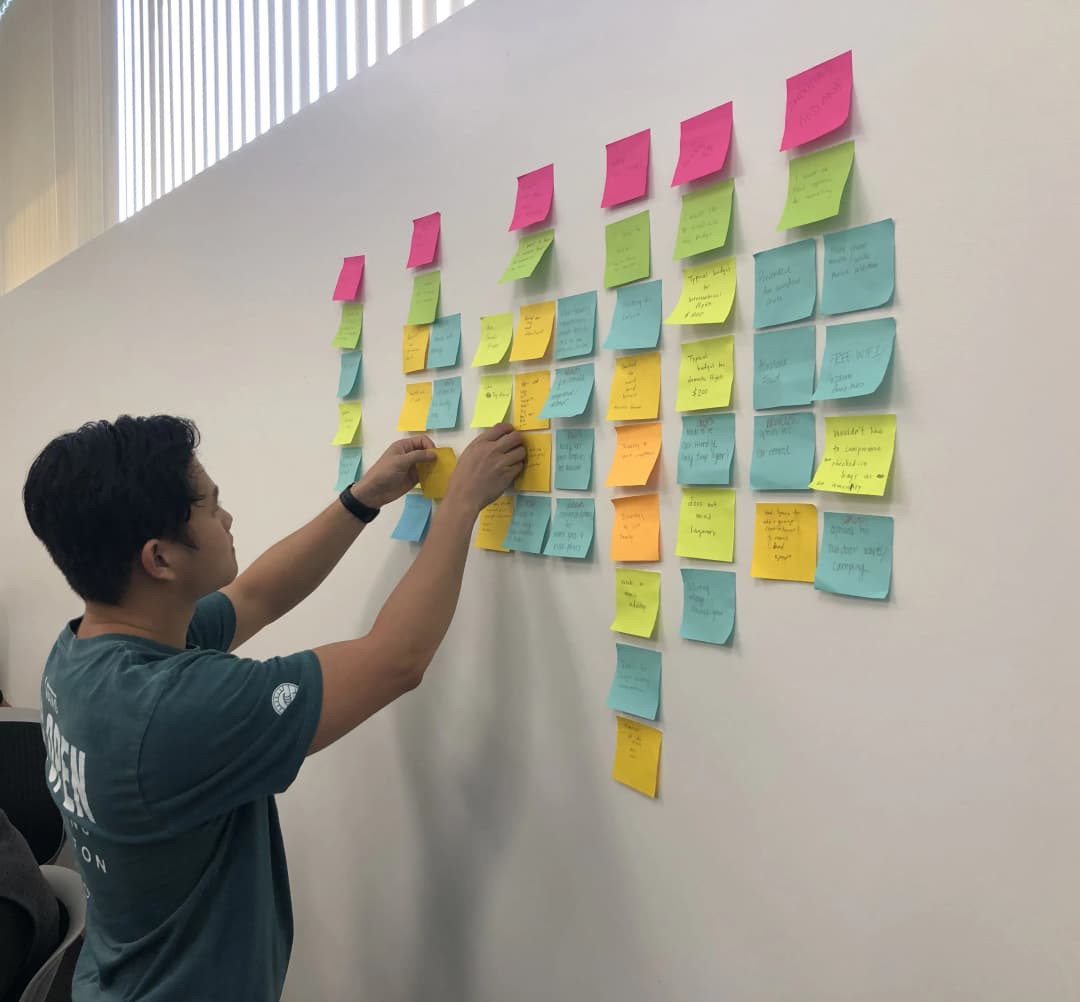
I conducted five 30-minute user interviews with participants ages 20-35 to find out the process people take to plan for a trip. Most people stated that they wanted to book the most cost-effective flight and trip.
I surveyed an additional 6 participants, and I found out that most participants struggled to determine what activities to plan for their trip. This insight became the core problem statement that drove the entire design.
Prototyping & Iteration
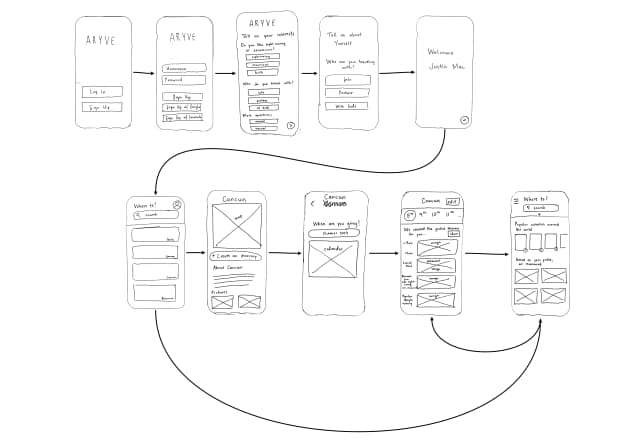
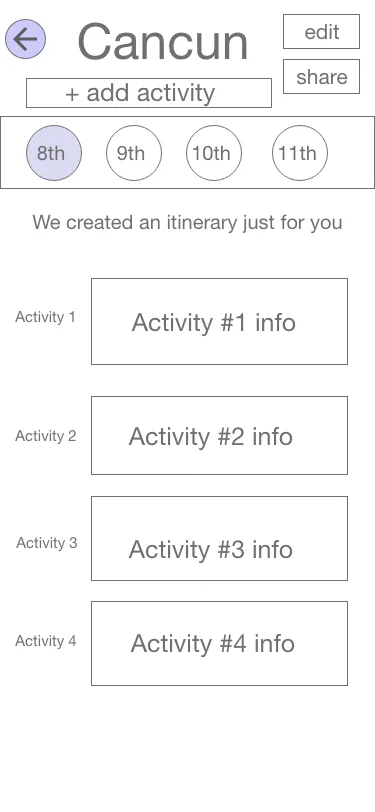
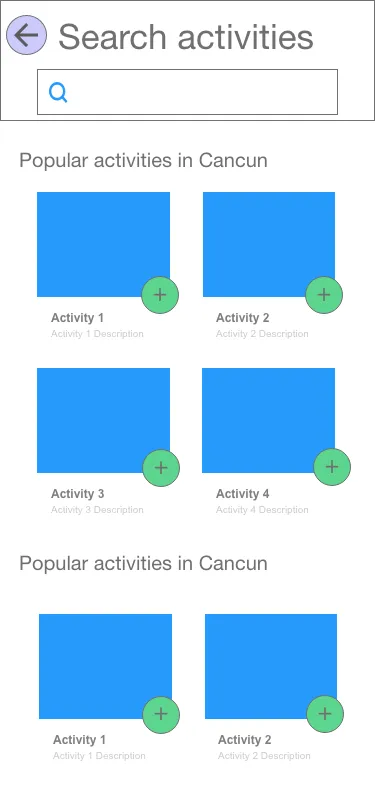
Starting with rough sketches and wireframes to validate core flows, then progressing to digital prototypes.
Sketch Wireframes
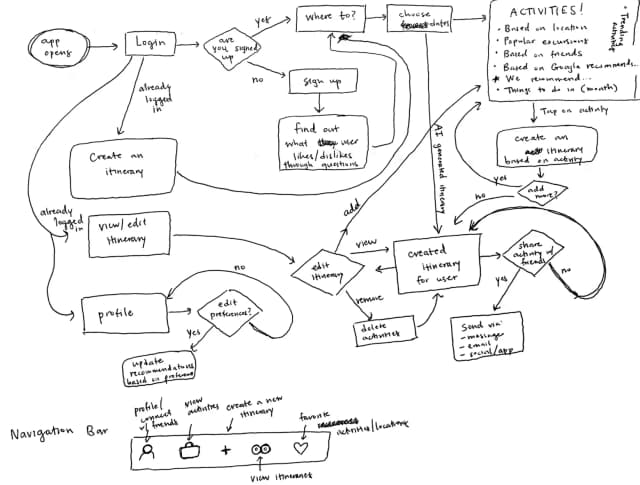
User Flow
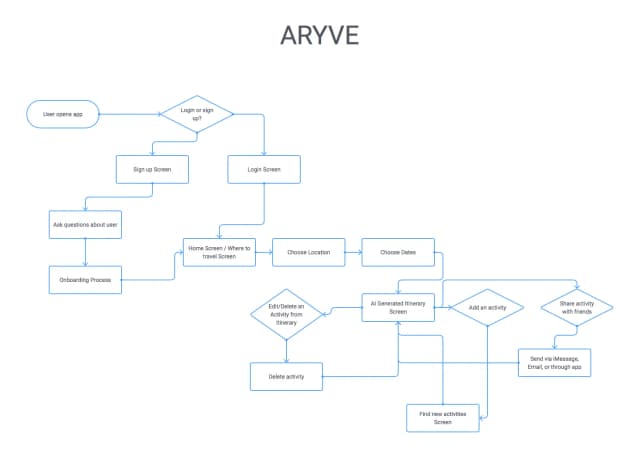
Digital User Flow
Style Guide
The ARYVE design system uses a vibrant color palette that evokes travel and adventure.
Navy Blue
#01172F
Coral
#F35D5B
Light Coral
#F2C7C6
Mint Green
#9FE0D1
Lo-Fi to Hi-Fi Prototypes
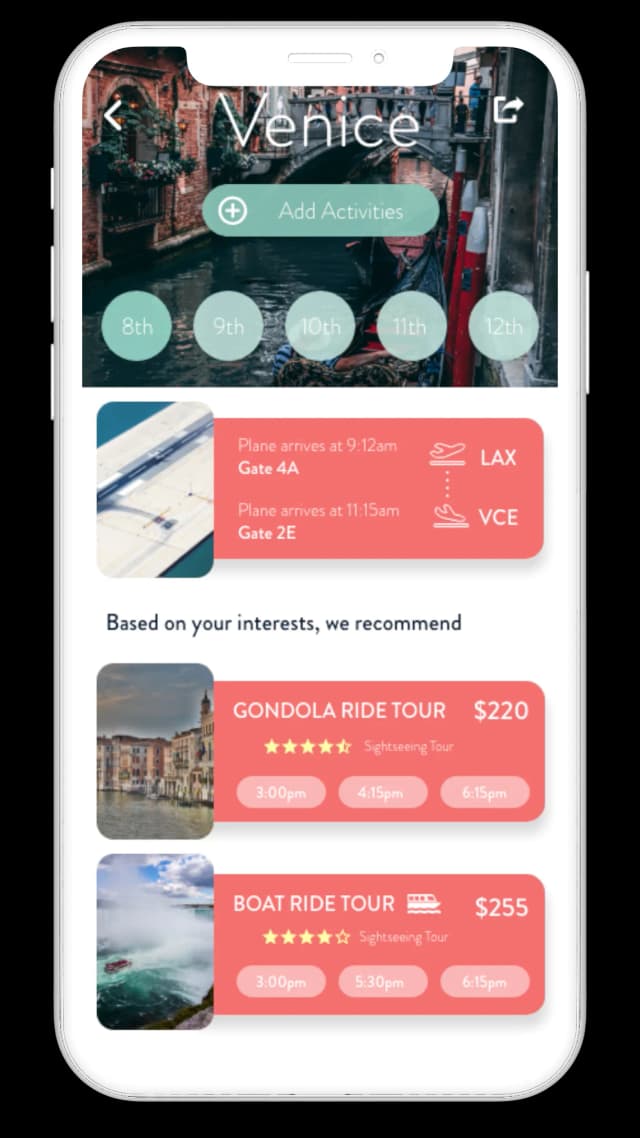
Comparing low-fidelity wireframes with high-fidelity clay mockups to show the design evolution.
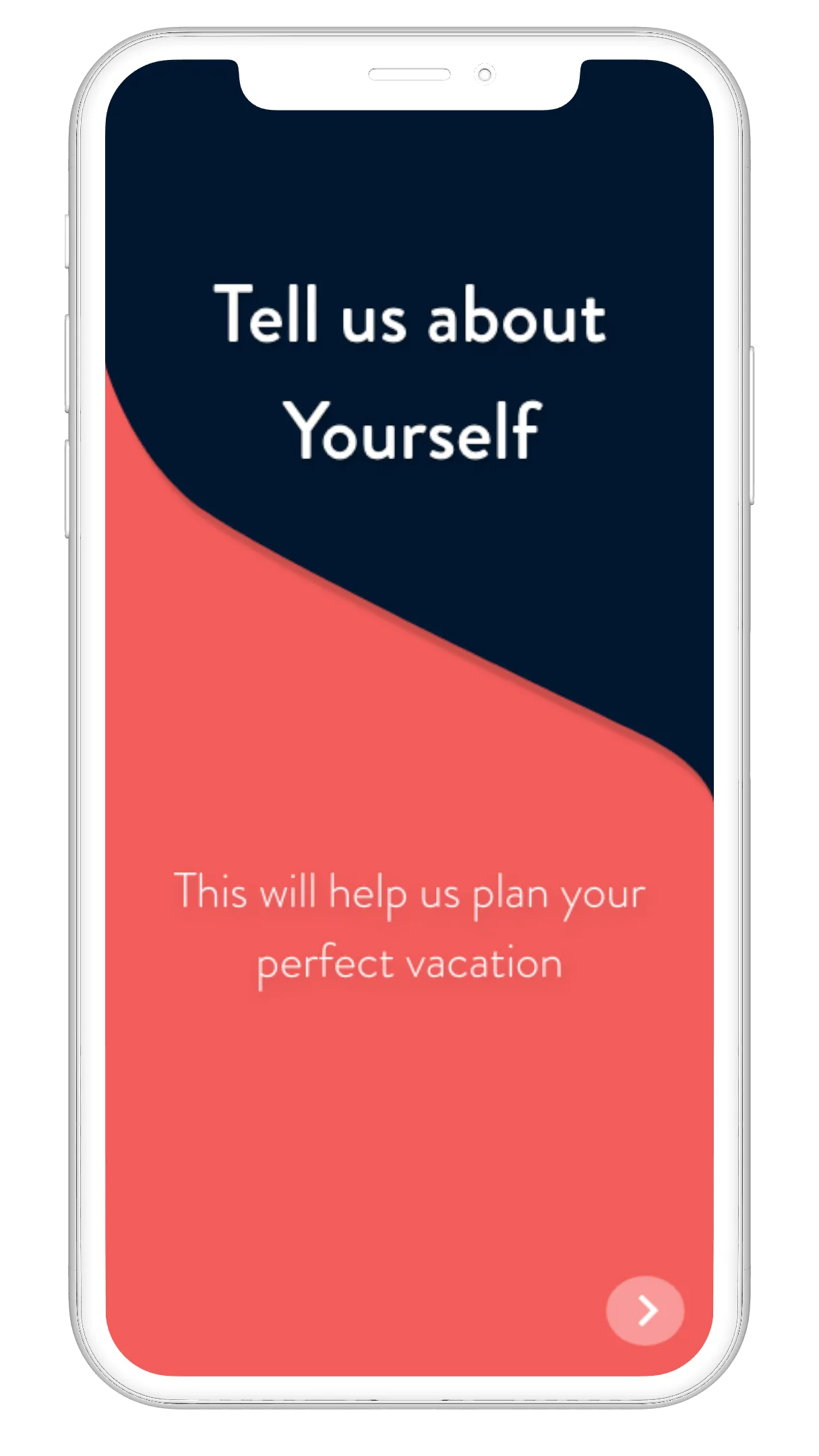
Onboarding Screens
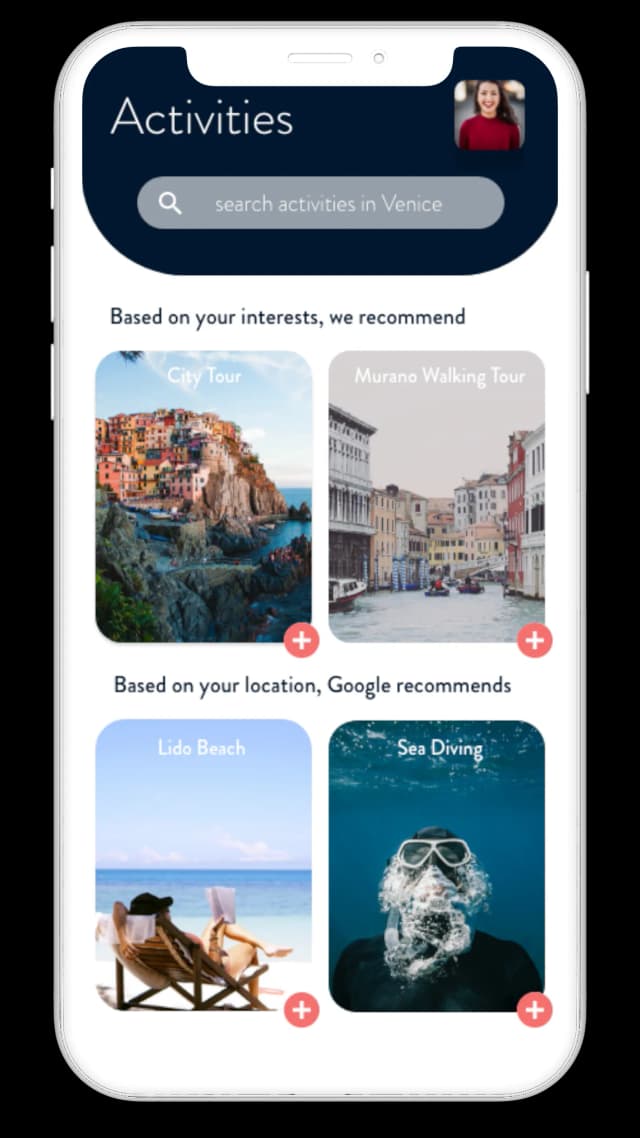
Part of the onboarding process was to gather the user's travel interests and preferences. This would help the A.I. identify and plan their perfect vacation.
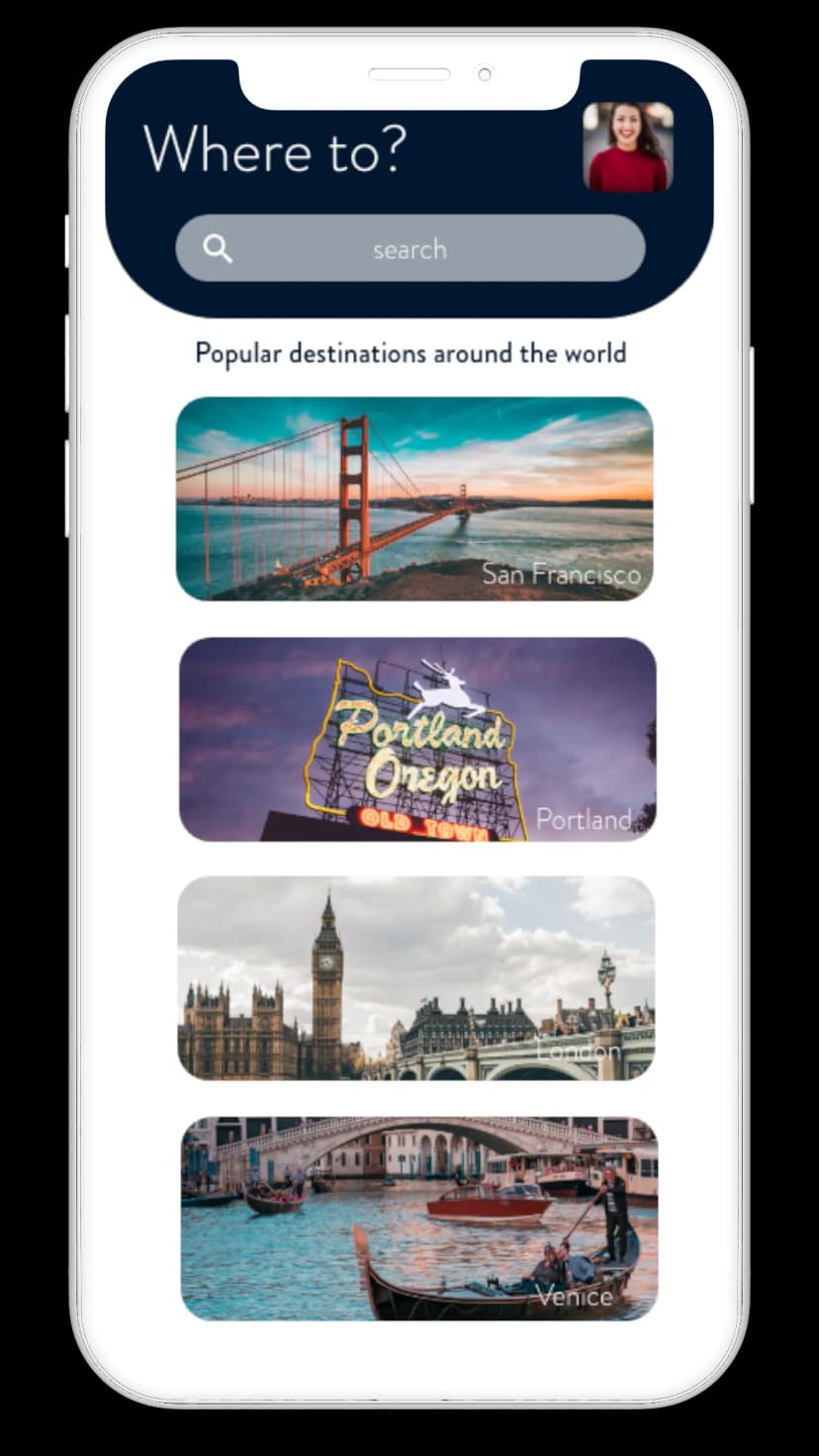
Easy Itinerary Planning
The itinerary feature allows users to organize activities by day, time, and location. Users can easily add, edit, and rearrange activities. The calendar picker makes it simple to plan across multiple days, and the visual timeline helps users see their full trip at a glance.
Key Learnings from User Tests:
- The onboarding questions should be moved to the itinerary planning stage instead
- Creating the itinerary immediately after signing up for the app was confusing to the user. To resolve this, I created new screens to identify that it was 'algorithmically' created.
- Feedback: communicating the results of an action. When sharing the itinerary to friends/family, the user did not know if the 'share' was successful or not
- Removed the search bar in the itinerary view as it disrupted the hierarchy of the screen



